01
Customer & lead management
Organise enquiries, ownership and follow-up around a shared view of the customer journey.
Let’s explore this
A practical starting point
Explore business tool foundations for everyday operations. Start with a familiar workflow, then discuss the configuration, integrations and rollout your team needs.
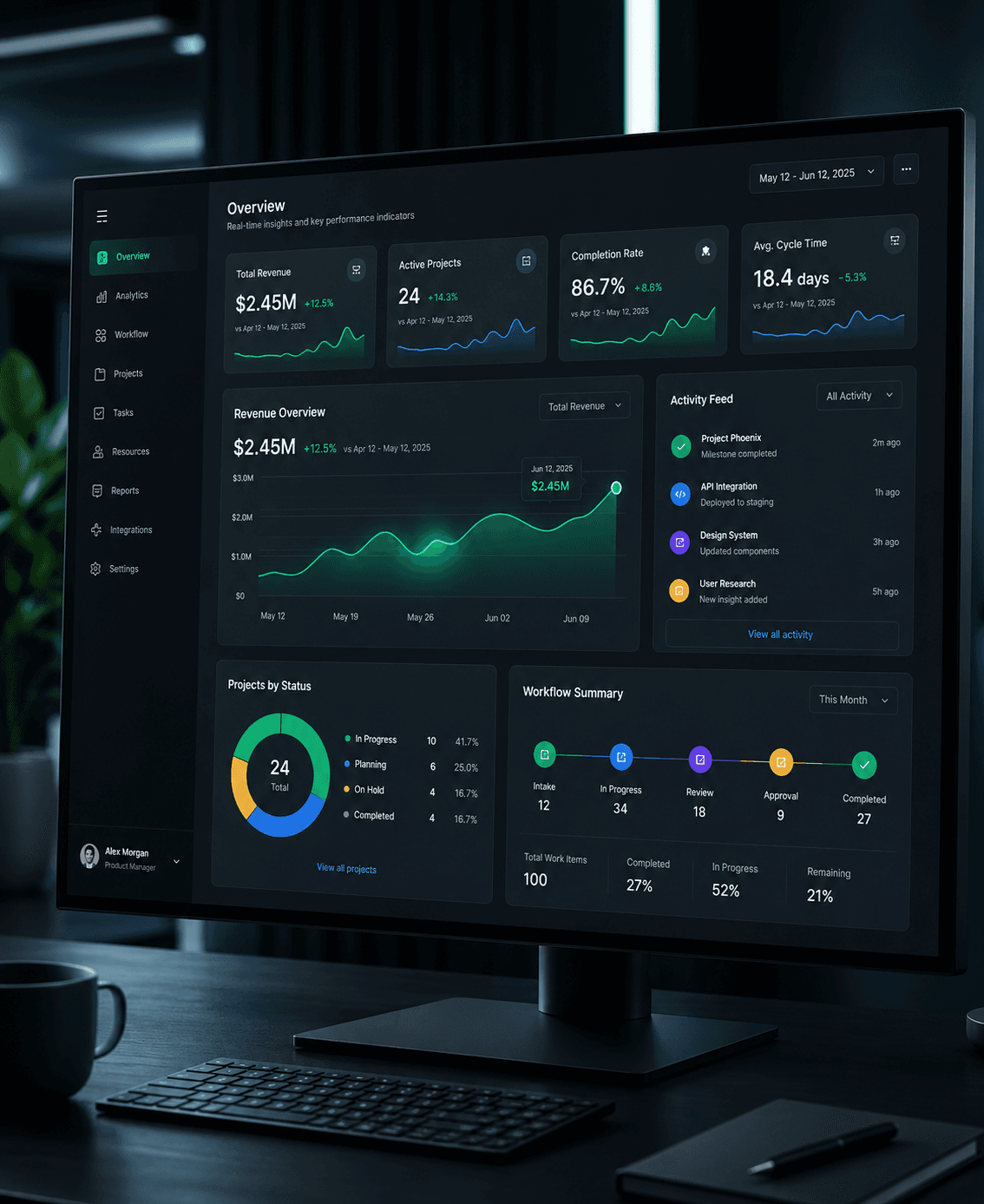
Ideas into useful
digital experiences.
01 / The opportunity
A familiar starting point can simplify a software project, but fit still matters. Explore these solution areas, then confirm available modules, deployment options and customisation needs in a walkthrough.
Explore the possibilities02 / What we can build together
A focused set of capabilities, connected around your goals. Choose a starting point and build from there.
Organise enquiries, ownership and follow-up around a shared view of the customer journey.
Let’s explore thisStructure employee information, requests and administrative workflows around clear responsibilities.
Let’s explore thisBring tasks, priorities and progress into a common workspace for delivery teams.
Let’s explore thisOrganise documents, review stages and access without relying on scattered attachments.
Let’s explore thisConnect availability and appointment requests with confirmation and follow-up.
Let’s explore thisBring selected indicators together with agreed definitions and visible ownership.
Let’s explore this03 / See the possibilities
Choose a workflow to explore an example. The right implementation starts with your requirements.
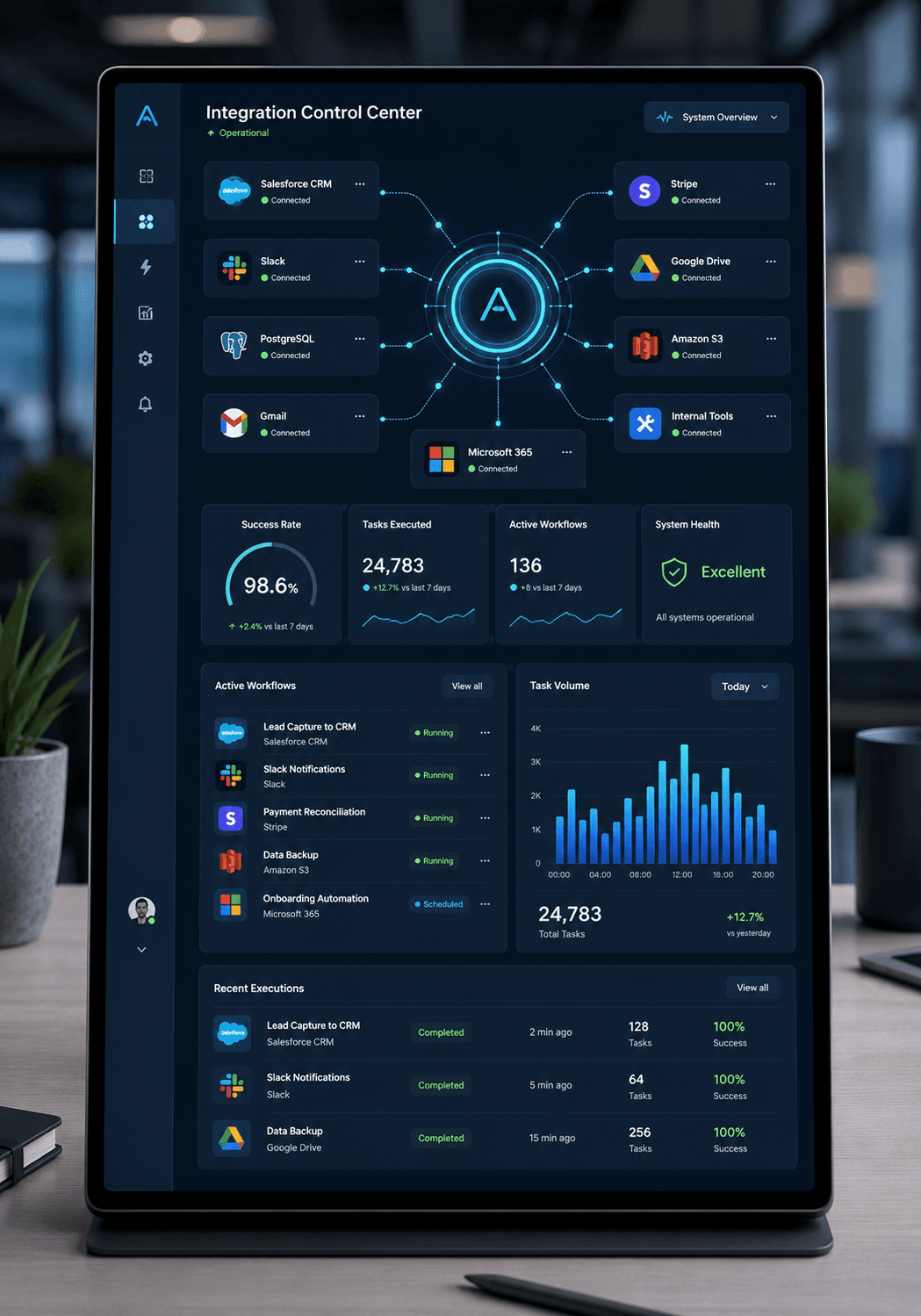
Explore a lead workflow with assigned owners, context and a consistent follow-up process.
Discuss available modules, imports and reporting requirements.
WORKFLOW PREVIEW
Example sequence · tailored during discovery
 THE THINKING BEHIND THE BUILD
04 / Thoughtful by design
Compare the tool with actual work, including awkward exceptions.
Separate standard workflows from custom changes needed by your team.
Plan migration, permissions, training and ownership alongside technical setup.
05 / From possibility to progress
A practical delivery rhythm with visible decisions and a useful output at every stage.
Stage 1 of 4
Identify workflows, team structure and current tool limitations.
This page introduces solution areas. Contact us to confirm current modules, licensing, deployment options and commercial terms for your requirements.
Configuration and customisation depend on the selected solution. A fit review identifies covered requirements and those needing additional development.
Migration depends on source formats, quality and the destination model. A sample review helps define mapping, cleanup and validation.
A solution foundation may suit common needs. Distinctive processes, integrations or product requirements may justify custom development.
08 / The next conversation
Bring the challenge. We’ll help define a practical next step.